A simple availability monitor that triggers a gnome notification when a service returns
I recently found myself needing to perform multiple reboots on multiple servers while completing some migrations for a client. These instances reside on an IAAS platform and sometimes the reboot initiation takes a bit. I decided that I wanted a simple tool that I could throw the hostname into and be notified when the host began to respond to ICMP packets again. I specifically wanted this tool to notify me via gnome dialog and trigger my systems default notification sound.
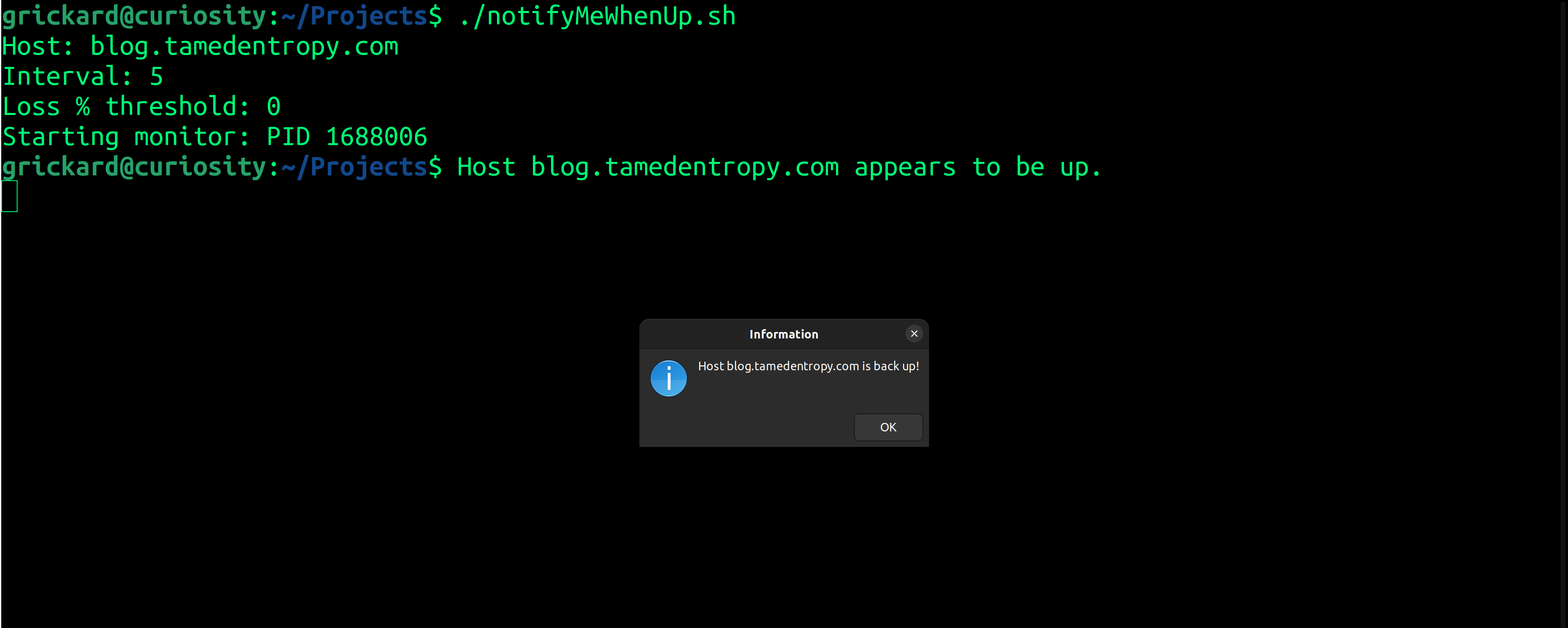
After prompting for the host, the check interval and minimum acceptable packet loss, the script runs a while loop in the background using ping to check for availability. Here's my "notifyMeWhenUp: script:
#!/usr/bin/bash

try_cnt=0

# prompt for the host to monitor, how often to check and how much packet loss is acceptable.
read -p "Host: " host
read -p "Interval: " check_int
read -p "Loss % threshold: " threshold

# start a while loop in the background to take of our main task: pinging to host

(
echo "Starting monitor: PID $$"

while true; do

    # extract the packet loss percentage
    loss=$(ping -c 4 $host | awk -F', ' '/packet loss/ {print $3}' | tr -d '% packetloss')

    if [ "$loss" -le "$threshold" ]; then

        echo "Host $host appears to be up."

        # play the system notification sound
        paplay /usr/share/sounds/freedesktop/stereo/complete.oga

        # trigger a gnome dialogue
        zenity --info --text="Host $host is back up!"

        break

    fi

    try_cnt=try_cnt+1

    sleep $check_int;

done

echo "Host monitor for $host stopped.";

) &

exit 0
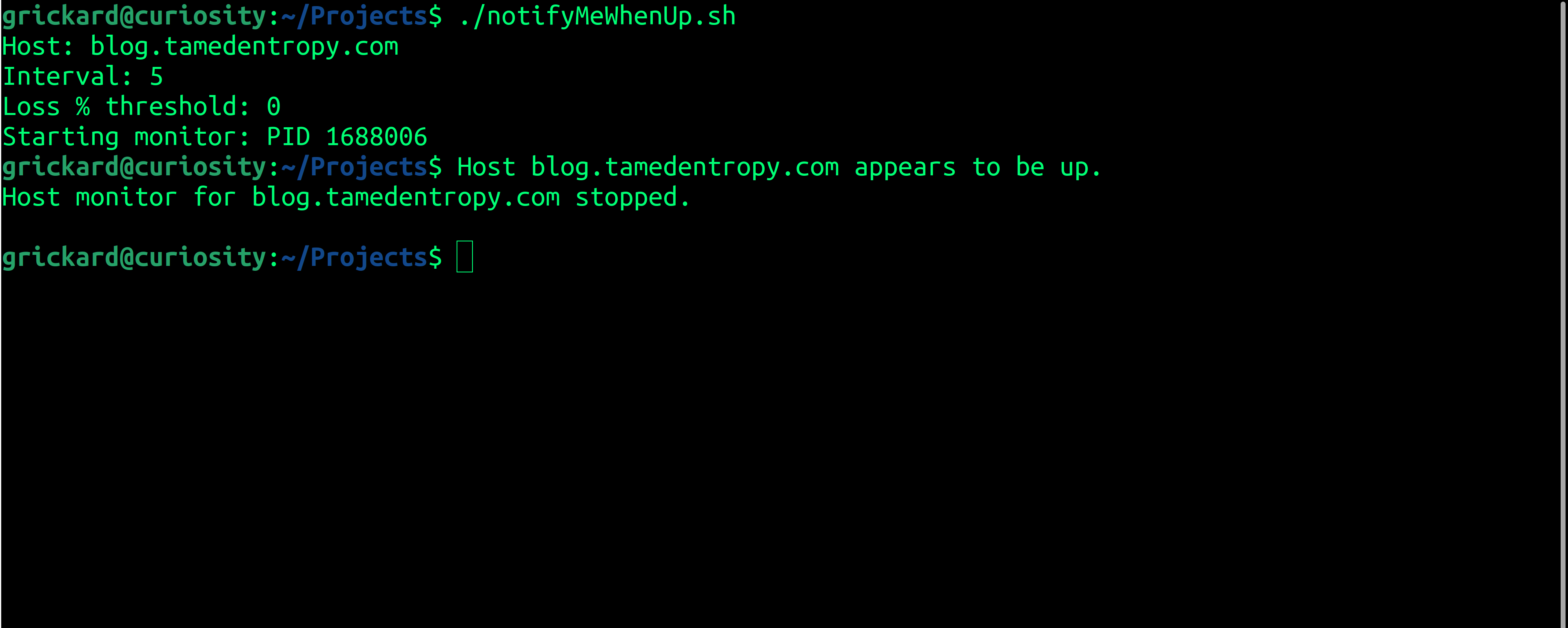
Here's the resulting functionality: